
This manual introduces the connection cables, startup and shutdown, sleep mode, BIOS boot sequence settings, driver installation, system usage, hard disk capacity and other precautions of the computer
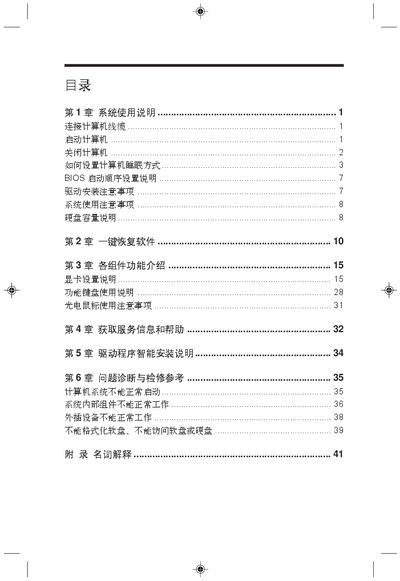
The manual covers initial installation steps, including connecting VGA, USB, PS/2, DVI, and LAN cables, and provides guidance on BIOS settings and safety precautions. It also explains how to configure Windows power options such as sleep and hibernate modes.
Additional sections describe troubleshooting common issues, using Wake‑on‑LAN to wake the computer remotely, and reference tables for technical terms and unit definitions. The document is organized into chapters for system use, installation, component functions, troubleshooting, and repair reference. This manual is written in Japanese.
Enable Wake‑on‑LAN (WOL) and send a magic packet over the LAN to wake the computer.
The manual includes a BIOS configuration chapter that describes adjustable settings and their effects.