
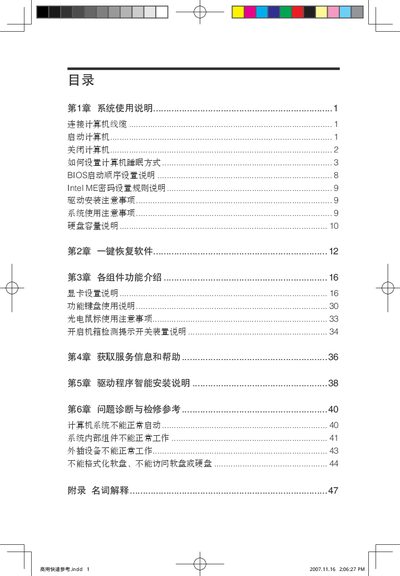
The manual covers the overall system usage, including BIOS configuration and Intel ME settings, with step‑by‑step guidance for initial installation and safety precautions. It also describes the functions of various components and how to connect peripherals such as VGA and USB ports.
Additional sections explain how to set the computer’s sleep mode, troubleshoot common issues, and perform basic repairs. The document includes detailed notes on power management, network settings, and operating system-specific instructions for Windows XP and Vista. This manual is written in Chinese.
Refer to the BIOS setup section titled "BIOS所勃順序役置明" for the step‑by‑step configuration instructions.
Follow the sleep mode instructions in the manual, which state "在直算机休眠時" to activate sleep mode.
The manual lists the available ports, for example "1.VGA足示器接品 2. USB接口".