
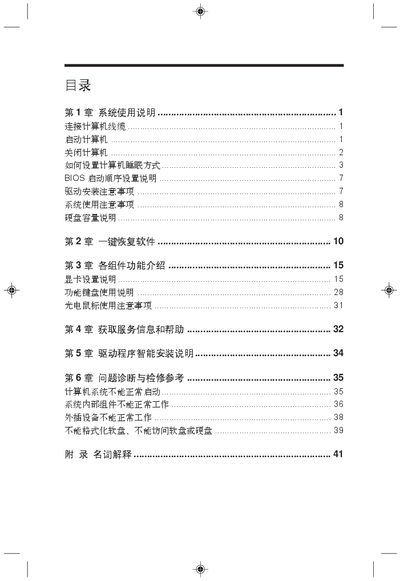
This document is a system usage instruction, which introduces the methods of connecting computer cables, starting and shutting down the computer, setting computer sleep mode, BIOS boot sequence settings, etc. In addition, it also introduces the one-key recovery software, component functions, obtaining service information and help, etc.
This manual provides step‑by‑step instructions for installing and configuring a Lenovo computer, including hardware connections such as VGA, USB, PS/2, DVI, and LAN. It also explains BIOS settings, safety precautions, and required accessories before first use.
Additional sections describe how to use Windows power options, put the system into sleep or hibernate mode, and troubleshoot common issues like failed boot or peripheral problems. A glossary of technical terms and unit definitions is included at the end. This manual is written in Japanese.
During system start‑up, press the designated key (often F2 or Delete) to enter the BIOS configuration screen.