
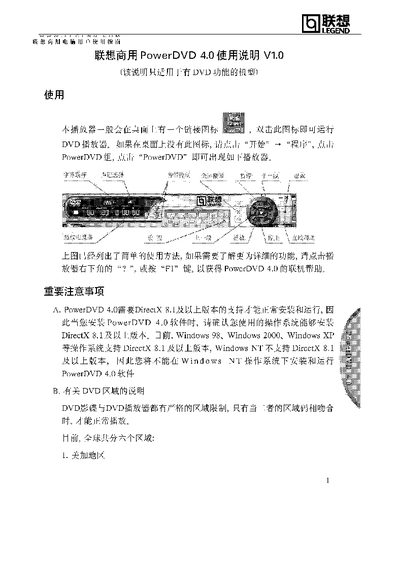
This manual explains how to launch and use PowerDVD 4.0 on Lenovo commercial computers. It describes the basic operation, where to find the program shortcut, and how to access online help via the "?" button or F1 key.\n\nThe document also lists the required DirectX version, supported Windows operating systems, and detailed instructions for setting DVD region codes, including the limit of five changes. It notes the six global DVD regions and the procedure when a disc’s region differs from the current setting. This manual is written in Chinese.
| Required DirectX version | 8.1 or higher |
|---|---|
| Supported operating systems | Windows 98, Windows 2000, Windows XP |
| Unsupported operating system | Windows NT |
| DVD region limit per disc | 5 changes |
| Global DVD regions | 1‑6 |
PowerDVD 4.0 requires DirectX 8.1 or a later version.
It can run on Windows 98, Windows 2000, and Windows XP.
You can set a different DVD region code up to five times.