
The Lenovo Magic Disk is a new generation of portable storage device that uses Flash chips as storage media and achieves high-speed data exchange with computers through USB interfaces. It has the characteristics of large storage capacity, fast speed, small size, light weight, long data retention period, and security.
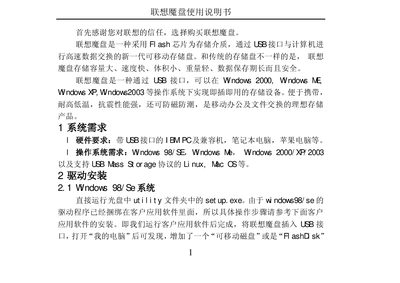
The Lenovo T82 flash disk is a USB‑connected removable storage device offering high capacity, fast speed, compact size, and robust durability. It works with Windows 98/ME/2000/XP/2003, Linux and other USB‑compatible operating systems, requiring only a PC with a USB port.
The manual guides users through driver installation, network drive mapping, and application software setup, and includes performance specifications, environmental limits, and a list of accessories. Detailed steps show how to assign a drive letter, create shortcuts, and verify successful operation after inserting the device. This manual is written in Chinese.
| Read speed | 950 KB/s |
|---|---|
| Write speed | 650 KB/s |
| Operating temperature | -20 °C ~ +70 °C |
| Storage temperature | -50 °C ~ +85 °C |
| Operating humidity | 10 % ~ 90 % |
A PC with a USB port and Windows 98/ME/2000/XP/2003 or a Linux system that supports the USB mass‑storage protocol.
Run the set up.exe file in the Utility folder on the supplied CD; after installation, insert the flash disk and a removable drive will appear in My Computer.
Open My Computer, right‑click, choose Manage, then use Disk Management to change the drive letter and path.