
This user manual is for ViewSonic VG2752S monitor. It mainly introduces the features of the monitor, installation, operation, adjustment and other content
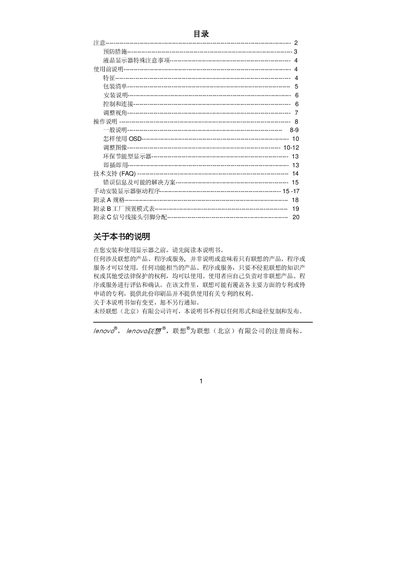
This manual covers important safety precautions for installing and using the Lenovo L171 monitor, including keeping the unit away from water sources, avoiding high‑voltage contact, and ensuring proper grounding. It also details the installation process, signal connections, and adjustment of the viewing angle.
Operation instructions describe how to use the on‑screen display (OSD) functions, adjust picture settings, and connect the monitor via VGA. Technical specifications such as screen size, resolution, power requirements, and pin assignments are listed for reference. This manual is written in Chinese.
| Screen Size | 43.2 cm (17") |
|---|---|
| Resolution | 1280 x 1024 @ 60 Hz |
| Input Interface | VGA (15‑pin connector) |
| Pin 15 Function | Video signal |
Do not place the monitor near water sources, avoid moving it without proper handling, keep it away from high‑voltage areas, and ensure it is properly grounded.
Connect the VGA cable to the monitor’s 15‑pin VGA connector; the signal pins are labeled on the pin‑assignment table.