
Lenovo fingerprint safe mobile hard disk is a high-performance and high-security product. It adopts fingerprint recognition technology to effectively protect user data security.
The Lenovo Fingerprint Security Mobile Hard Disk is a portable storage device with built‑in fingerprint authentication, offering a public area and a secure area that can be accessed only after fingerprint or password verification.
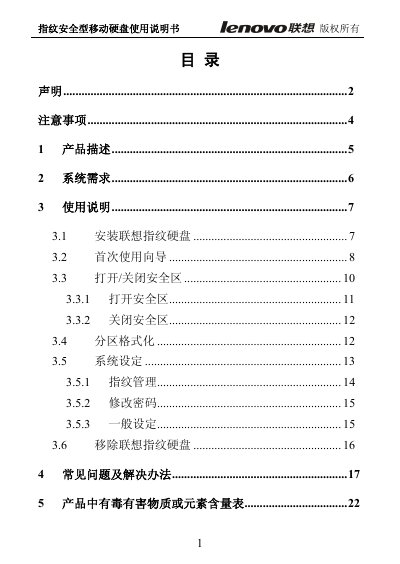
The manual covers product description, system requirements, installation steps, first‑time wizard, how to open or close the secure zone, partition formatting, fingerprint management, password changes, and a troubleshooting section with common questions. This manual is written in Chinese.
| Minimum CPU | Intel Pentium III 700 MHz |
|---|---|
| Minimum RAM | 128 MB |
| USB Interface | USB 2.0 or USB 1.1 |
| Optional Power Adapter | 5 V / 1 A DC |
No, because the computer is accessing the device and removing it may cause data loss or system crash.
A steady power indicator means the device is powered on.
Up to ten fingerprints can be registered.