
eheV3-USB500 is a new type of digital electronic product. It is composed of optical lens, image sensor, lighting device, image conversion control circuit and computer connection. It can display, store, print and transmit the captured images on the computer display. USB handheld microscope features: Magnify and observe microscopic objects, take photos, record videos, and exchange dynamic image information on the Internet.
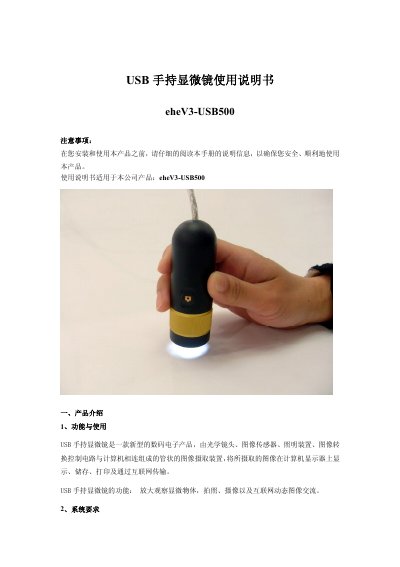
This manual introduces the eheV3-USB500 handheld microscope, describing its optical and electronic components, LED illumination, and USB connectivity. It outlines the device’s functions such as magnified observation, photo and video capture, and internet image sharing.
The guide covers system requirements, safety precautions, installation steps, focusing, photography, video recording, package contents, and after‑sales service, including warranty terms and return policies. This manual is written in Chinese.
| Sensor | high‑quality CMOS, 2 MP |
|---|---|
| Resolution | 1600 × 1200 |
| Color Depth | 24‑bit true color (RGB) |
| Interface | USB 2.0 |
| Frame Rate | 30 fps (CIF, VGA) |
| Focus Distance | 10 mm – 50 mm |
| Magnification | 500× |
| Dimensions | Length 91 mm, Diameter 31 mm |
| Weight | 99 g (including USB cable) |
Use the line controller on the USB cable to increase or decrease the LED brightness.
Rotate the focus ring clockwise to focus on near objects and counter‑clockwise for distant objects; avoid forcing the ring.