
This document introduces the main features and characteristics of the ONDA VX747 player produced by ONDA. The player features a 3.0-inch touch screen, supports multiple audio and video formats, image browsing, games, FM radio, as well as e-book reading and recording functions.
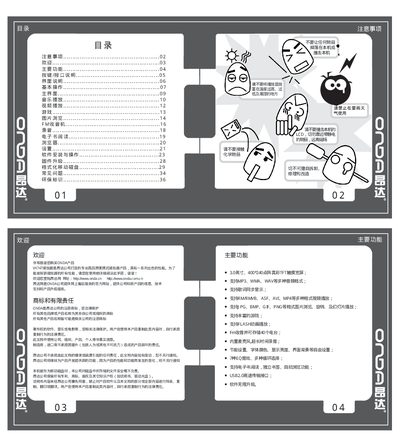
The manual introduces the VX747’s main functions, including music, video, FM radio, games, e‑book, and recording capabilities. It explains how to navigate the touchscreen interface, adjust settings such as brightness, language, and power‑off timers, and use the USB 2.0 connection for file transfer and firmware upgrades.
Detailed sections cover basic operation, button and connector descriptions, formatting the internal storage, firmware upgrade procedures, and a troubleshooting guide for common issues like power failure, audio problems, and device freezes. This manual is written in Chinese.
| Screen | 3.0英寸、400x240點陣真彩TFT |
|---|---|
| Audio formats | MP3, WMA, WAV |
| Video formats | RM, RMVB, ASF, AVI, MP4, 3GP, WMV |
| Supported memory card | Micro SD up to 4 GB |
| USB interface | USB 2.0 high‑speed transfer |
| Charging specifications | 5 V / 500 mA |
Download the firmware package from the official ONDA website, copy the .hxf file to the player’s root directory, then power on the device to start the upgrade process.
Press the reset button (a small hole on the side) to restart the device.