
This document is a user manual for Panasonic fax machines, which provides instructions on installation and quick start, as well as operations such as dialing and answering calls, sending and receiving faxes, and copying. It also offers programmable functions and assistance, as well as troubleshooting tips for common issues.
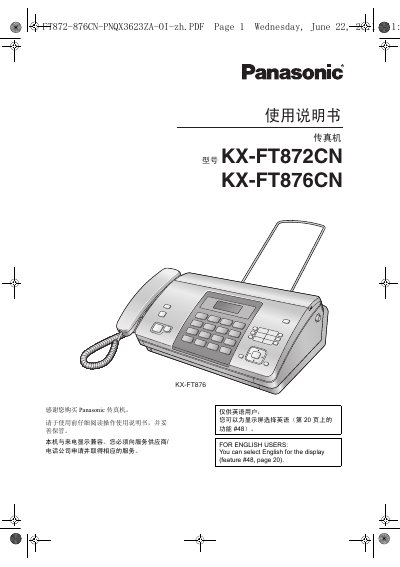
The document guides users through installing the fax machine, connecting power and telephone lines, and performing a quick start. It covers telephone functions, fax transmission and reception, copying, programmable features, and how to generate reports and display information.
Safety precautions, maintenance procedures such as cleaning the thermal head, and detailed technical specifications are included to ensure reliable operation and compliance with standards. This manual is written in Chinese.
| Supported line | Public switched telephone network |
|---|---|
| Document size | Maximum width 216 mm, maximum length 600 mm |
| Effective scan width | 208 mm |
| Recording paper size | 216 mm × up to 30 m roll |
| Effective print width | 208 mm |
| Transmission time | ≈12 seconds per page |
| Scan density (horizontal) | 8 pixels/mm |
| Scan density (vertical) | 3.85 lines/mm |
| Standby power consumption | ≈1.5 W |
| Transmit power consumption | ≈13 W |
| Receive power consumption | ≈30 W |
| Copy power consumption | ≈35 W |
| Maximum power consumption | ≈110 W |
| Power supply | 220–240 V AC, 50/60 Hz, 1.2 A |
| Modem speeds | 9,600 / 7,200 / 4,800 / 2,400 bps |
| Fax memory capacity | ≈28 pages (standard resolution) |
| CIS LED indicator output | Maximum 1 mW, wavelength 570 nm (yellow‑green) |
| Dimensions | ≈129 mm × 352 mm × 228 mm (H × W × D) |
Press the menu to select English for the display (feature #48, page 20).
Open the top cover, insert the paper front end into the slot, pull the paper through, ensure no slack, then close the cover securely.