
This document is the user manual for the advanced features of MFC-9465CDN printer. The document provides information about the safety and regulations of the printer, quick installation guide, instructions for basic functions and troubleshooting tips, as well as advanced features including fax, copy, security functions, print reports, and daily maintenance. Additionally, the document also provides software usage instructions, network terminology glossary, and network usage instructions. The document is detailed and comprehensive, suitable for users of MFC-9465CDN printer.
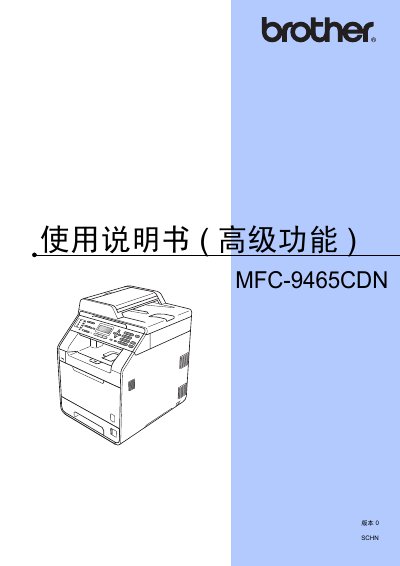
This manual covers the quick installation guide, safety features, and basic operation procedures for the Brother MFC-9465CDN multifunction printer. It explains how to set up the device, load paper, install the toner cartridge, and configure basic printing functions.
Advanced sections describe ink‑saving mode, sleep and deep‑sleep power‑saving modes, LCD contrast adjustment, and troubleshooting tips. The document also includes information on using Brother ControlCenter software and maintaining the printer for reliable performance. This manual is written in Chinese.
Use the numeric keys (e.g., 1 and 6) to increase or decrease the LCD contrast, making the display brighter or darker.