
This document is the user manual for CASIO MO1106-CkA
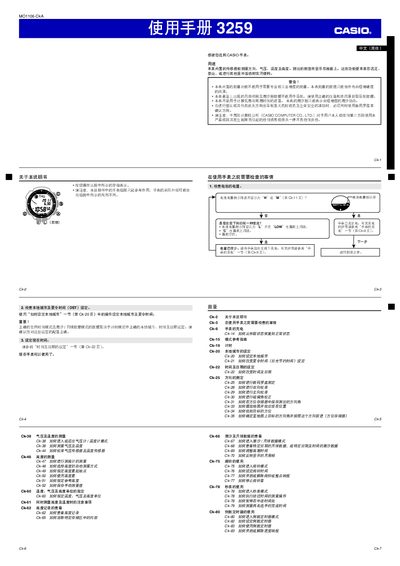
This manual explains how to prepare the Casio 3259 watch for use, including checking battery level, charging the built‑in solar cell, and configuring time, date, local city and daylight‑saving settings. It also describes the watch’s sensor functions—digital compass, barometer, thermometer and altimeter—and how to interpret their readings.
Additional sections cover lighting options, power‑level indicators, auto‑illumination, energy‑saving mode, button‑sound settings, and detailed troubleshooting steps for sensor errors or low‑battery conditions. This manual is written in Chinese.
| Pressure measurement range | 260 hPa – 1 100 hPa |
|---|---|
| Pressure unit | hPa (or inHg) |
| Temperature measurement range | -10 °C – 60 °C |
| Temperature unit | °C (or °F) |
Enter the sensor mode, press and hold the SET button to access the city code screen, then select the appropriate city and toggle DST ON or OFF with the button.
Perform a two‑way calibration: first a forward calibration, then a reverse calibration, ensuring the watch is level and not near magnetic or metal objects.