
Philips Tapster Bluetooth stereo headset is a headset with touch and gesture control, which provides you with an intuitive and simple music experience. FullSound audio enhancement provides rich and full, amazing live music effects. EverClear technology minimizes echoes and background noise, making calls clearer. The curved acoustic tube design makes the headphones comfortable and stable to wear, allowing you to enjoy maximum comfort; the perfect sound seal effect brings an excellent music experience.
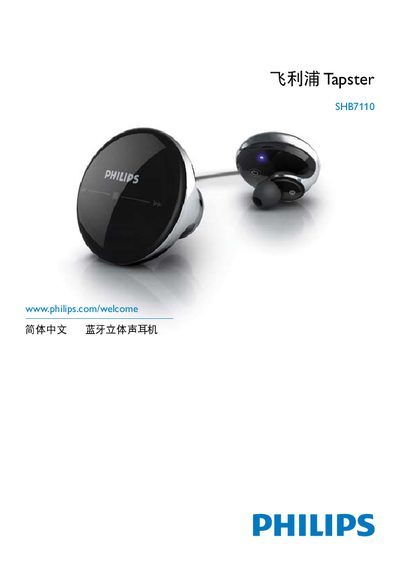
This manual introduces the Philips Tapster SHB7110 Bluetooth stereo earphone, covering safety information, proper handling, and environmental considerations. It explains how to charge the earphone, pair it with a phone or other Bluetooth devices, and adjust the touch‑sensitive controls.
Additional sections describe optional accessories, various usage scenarios such as hands‑free calls and music playback, detailed technical data, and a FAQ that addresses common issues like pairing problems, touch‑control sensitivity, and battery care. This manual is written in Chinese.
| Music playback time | up to 6 hours |
|---|---|
| Call time | up to 7 hours |
| Standby time | up to 150 hours |
| Charging time | 2 hours |
| Battery | 160 mAh Li‑polymer |
| Bluetooth version | 2.1+EDR |
| Operating range | up to 10 m (33 ft) |
| Frequency response | 20 Hz – 20 kHz |
The battery level may be too low; charge the earphone before use.
Touch and gesture controls only work when the earphone is inserted in the ear; ensure it is properly placed and listen for the activation sound.