
Philips LCD Monitor e-Manual, introduces information on safety measures and maintenance, FAQs, troubleshooting, and regulations for the monitor
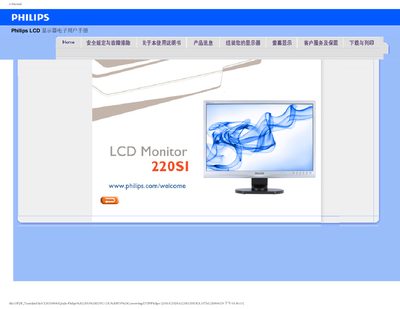
This manual provides safety guidelines, installation steps, and operating instructions for the Philips 220S1 LCD monitor. It includes recommendations for temperature, humidity, and power‑up procedures, as well as cleaning and handling advice to protect the display.
The document also contains a detailed FAQ section that addresses common issues such as video mode errors, refresh‑rate settings, driver installation, VESA mounting, and image‑retention problems. Download links for drivers and printable versions are provided at the end of the guide. This manual is written in Chinese.
| Recommended resolution | 1680 x 1050 @60 Hz |
|---|---|
| Recommended refresh rate | 60 Hz (up to 75 Hz for interference testing) |
| Operating temperature range | 0‑40 °C |
| Operating humidity range | 20‑80 % RH |
| VESA mounting | Standard VESA mounting holes |
The recommended refresh rate is 60 Hz, but you can increase it to 75 Hz to check for interference.