
The document is a user manual for the WD My Passport Essential portable hard drive, providing instructions on how to use the product and access support services.
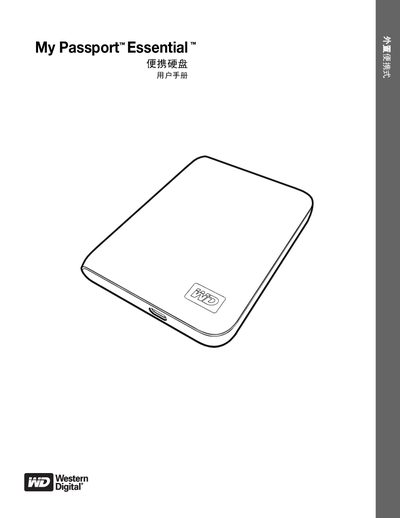
This manual covers everything you need to know about the My Passport Essential portable hard drive, from unpacking and connecting the device to using WD SmartWare for automatic backup and data protection. It explains the drive’s physical features, USB 2.0 interface, pre‑formatted NTFS partition, LED status indicators, and optional accessories.
The guide also details security functions such as password protection and 256‑bit hardware encryption, how to lock and unlock the drive (with or without WD SmartWare), and steps for formatting, updating software, and troubleshooting common issues on Windows and Mac systems. This manual is written in Chinese.
| Interface | USB 2.0, up to 480 MB/s |
|---|---|
| File System (default) | NTFS (pre‑formatted single partition) |
| Encryption | 256‑bit hardware encryption |
| LED Indicator | Power/Activity LED on device side |
The drive can be unlocked without WD SmartWare software using the built‑in unlock procedure.
The drive is pre‑formatted as a single NTFS partition for compatibility with Windows.