
The WD-7901P digital recorder user manual provides operation instructions, safety guidelines, and troubleshooting for the device.
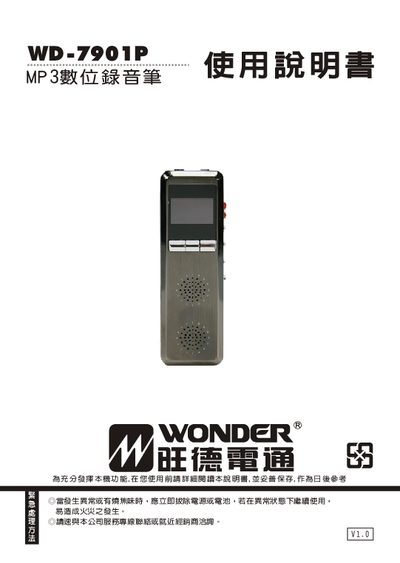
This manual explains how to use the WD-7901P digital recorder, covering basic functions such as power on/off, volume control, recording modes, playback, and file management. It also describes how to connect the recorder to a computer via USB, convert recorded files, and update firmware.
Safety precautions, warranty information, and detailed troubleshooting steps are included to help users avoid damage and resolve common issues such as no display, recording failures, or playback problems. This manual is written in Chinese.
| Dimensions | 34×103×13 mm |
|---|---|
| Weight | ≈55 g |
| Power Input | DC USB 5 V / internal Li‑ion 3.7 V 380 mAh |
| Maximum Output Power | 0.3 W × 2 |
| Power Consumption | 0.75 W |
| Supported Playback Formats | WAV, MP3, ACT |
| Storage Capacity Options | 2 GB, 4 GB, 8 GB, 16 GB |
Turn the power switch off, then turn it on again to restart the recorder.
Only standard MP3 files (MPEG‑1/2/2.5 layer III) are supported; other MP3‑like files must be converted before playback.
Click the USB icon on the computer’s system tray to safely remove the device, then unplug the cable.