
This document is the user guide for RICOH Aficio FX200 i, providing information on setting up the machine and installing software, as well as instructions for using and maintaining the machine. It also introduces the basic functions of the machine's multifunction application SmarThru.
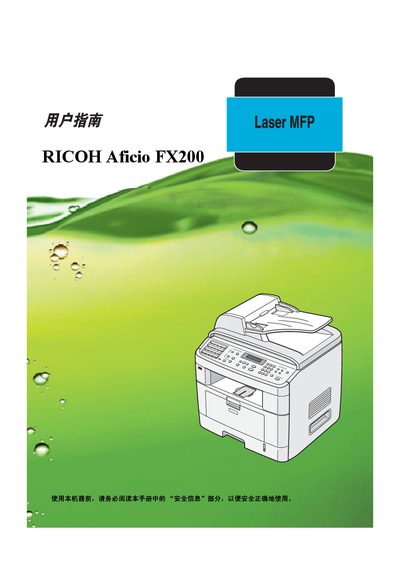
This manual covers the installation and configuration of the Ricoh Aficio FX200, including supported interfaces such as ATAPI, USB, and Centronics, as well as compatible operating systems like Windows 98, Me, 2000, NT 4.0, and XP. It also contains safety, compliance (CE) and environmental information.
Additional sections provide troubleshooting guidance, maintenance procedures, and technical specifications such as maximum operating temperature and performance data presented in the final tables of the document.
| Maximum operating temperature | 180 °C (356 °F) |
|---|
The manual lists Windows 98, Windows Me, Windows 2000, Windows NT 4.0, and Windows XP as supported operating systems.