
DX 2430C Operation Manual, contains detailed instructions and precautions for operating and using the machine, including safety information, operating preparations, basic operations, optional parts functions, consumables replenishment, troubleshooting, notes, specifications, etc.
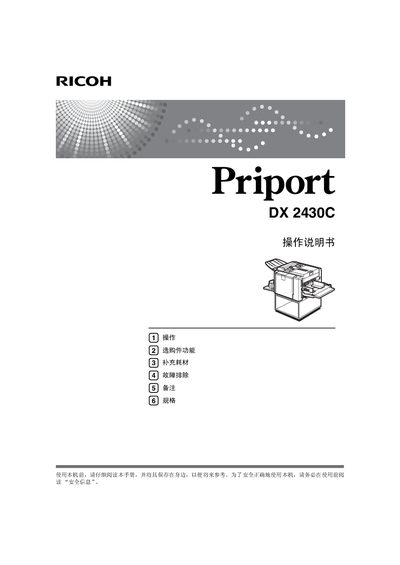
This manual explains how to safely install and use the Ricoh DX2430C printer. It includes safety symbols, power requirements, and recommended consumables such as original Ricoh toner.
The guide covers loading paper, adjusting image position and density, performing single‑ and multi‑page prints, and troubleshooting common issues. Maintenance procedures and technical specifications are also provided. This manual is written in Chinese.
| Power Supply Voltage | 220‑240 V |
|---|---|
| Frequency | 50‑60 Hz |
| Current | 1.3 A or above |
The printer requires a power supply of 220‑240 V at 50‑60 Hz with a current of 1.3 A or above.
Paper is loaded following the "装入纸张" instructions, referenced on page 15 of the manual.
To stop printing during a multi‑page job, refer to the "多页印刷过程中停止机器" section.