
This manual describes in detail the use of Netmus NS120 network radio, including network settings, network radio, media center, FM, information center, settings, My mediaU, troubleshooting, etc.
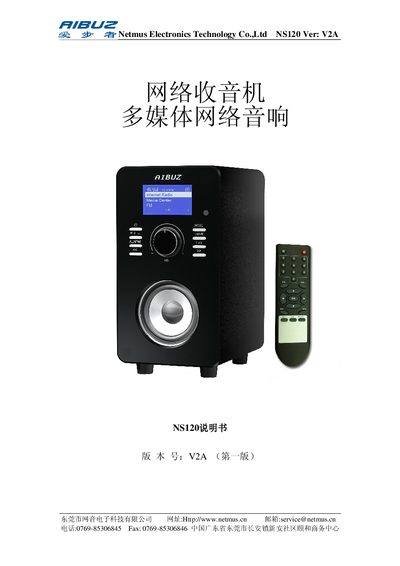
The NS120 is a network radio and multimedia network speaker from Netmus. This manual covers power-on, wired or wireless network setup, network radio listening, favorites, services, recording, media center playback from USB and UPnP, FM radio, information center, settings, My mediaU, troubleshooting, and product and remote-control layout.
Network setup can be performed manually with DHCP on or off, including IP address, subnet mask, gateway, and DNS entries. The manual also describes remote-control text entry for wireless passwords and network status icons. This manual is written in Chinese.
| Adapter working voltage | 220V AC |
|---|---|
| Network connection types | Wired or wireless WIFI |
Network setup is required on first power-on, after a factory reset, or when network settings are changed.
Yes. Once configured, the settings are saved and used automatically at each startup.
The supplied adapter operates at 220V AC.
Press the remote control MENU key or MODE key.