
Key facts
- Brand
- EDIFIER
- Model
- R10
- Category
- Home Speakers
- Industry
- Electronics
- Documents
- 2
- Languages
- ZH
- Last added
- 2012-03-06
Start here
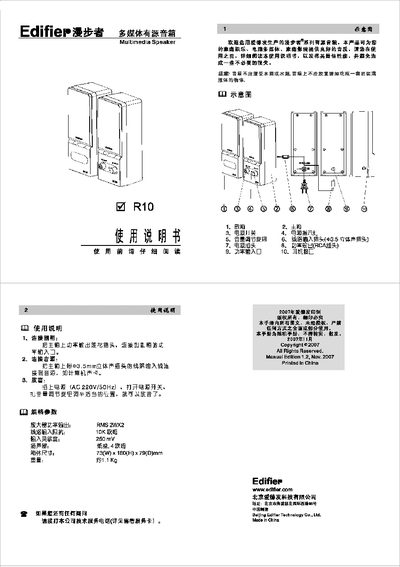
Edifier R10 Multimedia Speaker User Manual
The Edifier R10 is a multimedia active speaker designed for home entertainment, computer audio, and home theater use. It offers a paper‑cone driver and a built‑in amplifier to deliver clear sound.
The manual explains how to connect the subwoofer to the main unit, attach an audio source via the 3.5 mm stereo jack, and power the system with AC 220 V/50 Hz. After connecting, turn on the power switch and adjust the volume knob to the desired level for playback. This manual is written in Chinese.
EDIFIER R10 specifications
| Amplifier power output (RMS) | 2 W × 2 |
|---|---|
| Dimensions (W×H×D) | 73 mm × 180 mm × 79 mm |
| Weight | ≈1.1 kg |
All EDIFIER R10 documents by type
Day-to-day operation, settings and troubleshooting. Start here if the product is already set up.
Questions answered in these manuals
How do I connect the subwoofer?
Connect the power‑output plug on the main unit to the power‑input port on the subwoofer.
How do I connect the audio source?
Plug the 3.5 mm stereo line into the main unit and connect it to the audio source such as a computer sound card.
Why does one speaker have no sound?
Check that the audio connection is correct and try a different audio source; if the other source works, the problem is with the original source.