
This is a user manual for Edifier C2 multimedia speakers. The manual provides safety instructions and guidance on operating the system. The product offers great sound performance and is suitable for home entertainment, personal computers, and mini home theaters.
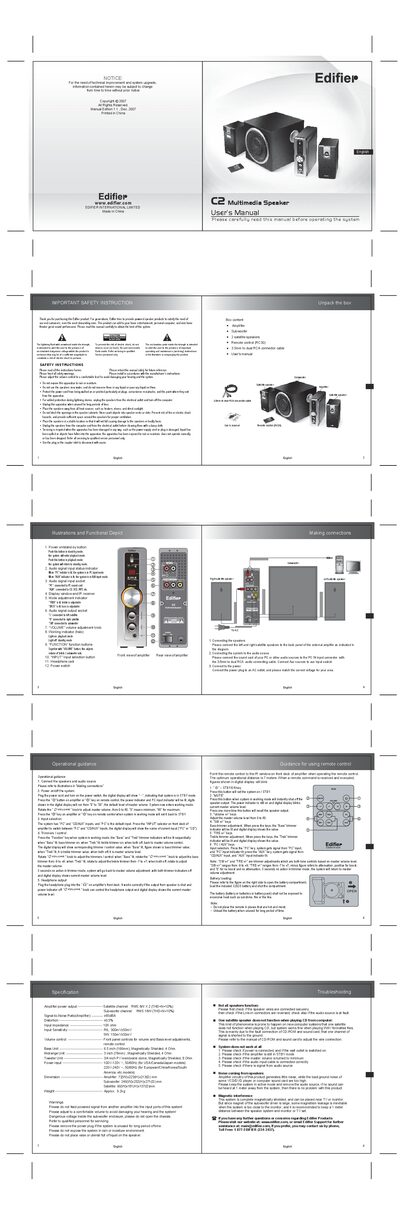
This manual explains how to unpack, connect, and operate the Edifier C2 multimedia speaker system. It covers safety warnings, power on/off procedures, input selection, volume and tone adjustments, remote‑control functions, and battery replacement for the remote.
The document also lists the technical specifications of the amplifier, subwoofer and satellite speakers, provides troubleshooting steps for common issues, and gives contact information for support.
| Satellite channel power output | RMS 6W x 2 (THD+N=10%) |
|---|---|
| Subwoofer channel power output | RMS 18W (THD+N=10%) |
| Signal‑to‑Noise Ratio (Amplifier) | ≥85 dB |
| Distortion | ≤0.5% |
| Input impedance | 10 kΩ |
| Input sensitivity (R/L) | 300 mV ± 50 mV |
| Input sensitivity (SW) | 150 mV ± 50 mV |
| Bass unit | 6.5 in (166 mm), magnetically shielded, 4 Ω |
| Midrange unit | 3 in (78 mm), magnetically shielded, 4 Ω |
| Tweeter unit | 3/4 in PV membrane dome, magnetically shielded, 8 Ω |
| Power input (US/Canada/Japan) | 100‑120 V~, 50/60 Hz |
| Power input (Europe/China/etc.) | 220‑240 V~, 50/60 Hz |
| Amplifier dimensions | 72 mm W × 223 mm H × 213 mm D |
| Subwoofer dimensions | 246 mm W × 252 mm H × 271 mm D |
| Satellite dimensions | 90 mm W × 181 mm H × 137 mm D |
| Weight | Approx. 9.2 kg |
Press the power button on the amplifier or the power key on the remote; the display shows "- -" in standby and digits run from 0 to 30 when the system is on.
Keep at least a 1 meter distance between the speaker system and any monitor or TV.