
Haier NH series home network camera user manual, mainly introduces the hardware description, installation and use, local web configuration, remote setting management and other contents.
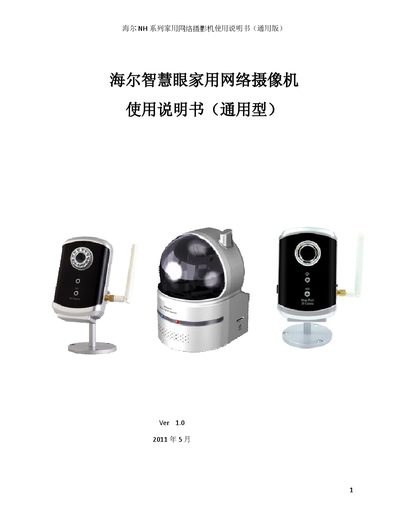
This manual describes the Haier NH series network cameras, which support 640x480 resolution at 30 fps, MPEG‑4 video, Wi‑Fi (802.11b/g) with WEP/WPA security, and optional NAS storage. It outlines the hardware components such as microphone, infrared LED, Ethernet port, and power adapters for each model.
The guide walks users through quick installation, network configuration via the local web interface, remote access using HaierView software, and LED indicator meanings. It also lists packaging contents and safety notes for each model. This manual is written in Chinese.
| Resolution | 640x480 @ 30 fps |
|---|---|
| Wi‑Fi Standard | IEEE 802.11b/g |
| Wi‑Fi Security | WEP, WPA |
| Power Supply (HA‑NH502W) | 5 V / 2.0 A |
Use the local web interface to select the Wi‑Fi security mode (WEP or WPA) and enter your network credentials.