
This phone supports GSM, EDGE, TD-SCDMA, HSDPA networks, supports MMS, WAP Push, flight mode, custom mode and other functions, can connect PC through the phone, supports storage card, built-in alarm clock and other functions.
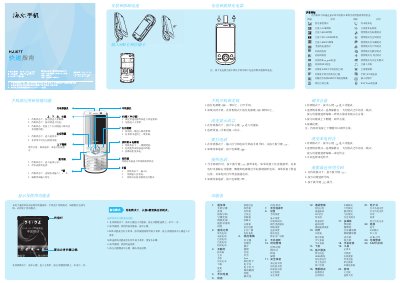
This guide explains how to install and remove the battery, insert the SIM and memory cards, and connect the charger safely. It also describes the meaning of screen icons and how to navigate the main menu and function menus.
The manual covers essential phone operations such as powering on/off, changing the display language, making and answering calls, adjusting volume and ringtones, using the camera, multimedia playback, calendar, messaging, and security settings like firewalls and password protection. This manual is written in Chinese.
Open the card slot, insert the SIM card and then the memory card as shown, ensuring they are properly seated before closing the cover.