
Haier Digital Photo Frame User Manual, which introduces the product's functions, appearance, power connection, insertion of storage cards or USB, power on/off, main interface, function menu selection, automatic playback, movie playback, image playback, music playback, calendar interface, system settings, fault diagnosis, technical parameters and other content
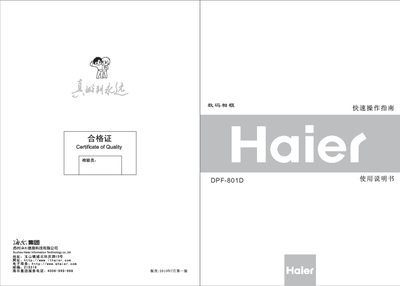
The Haier DPF-801D digital photo frame features an 8.0‑inch TFT LCD screen, supports JPEG images, MP3/WMA audio and various video formats, and works with SD/MMC/MS/XD cards up to 8 GB. The package includes the frame, remote control, power adapter, user manual and warranty card.
The manual explains how to connect power, insert memory cards or USB drives, navigate the main interface, use auto‑play, play movies, pictures, music, set the calendar and alarms, and adjust system settings such as brightness, contrast and language. Troubleshooting tips and technical specifications are provided at the end. This manual is written in Chinese.
| Display type | 8.0‑inch TFT LCD screen |
|---|---|
| Resolution | 800 × 600 pixels |
| USB interface | USB HOST (compatible USB 2.0 and USB 1.1) |
| Supported image format | JPEG |
| Supported video formats | MPEG (DAT), DIVx5.0, VID, DIVX |
| Supported audio formats | MP3, WMA |
| Speaker output | 2 × 2 W built‑in speaker |
| Memory card types | SD, MMC, MS, XD |
| Maximum SD card capacity | 8 GB |
| Power adapter input / output | AC 100‑240 V input, DC 9 V output |
After connecting the power adapter the unit powers on automatically; to turn it off, press and hold the power key for about 2 seconds.