
Philips GoGear audio video player quick start guide, introduces how to install, connect, charge, transfer, enjoy the player's features
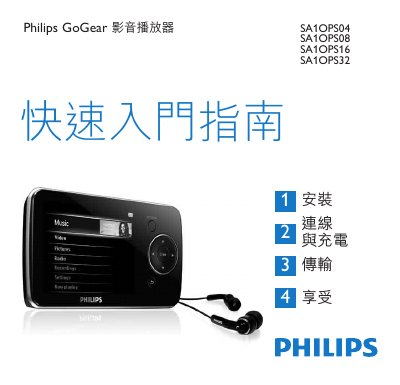
The guide explains how to install the GoGear audio video player, connect it to a PC via USB, and charge the device. It also describes transferring media files and using the built‑in playback functions.
Supported software includes Windows Media Player 11 and Philips MediaConverter™. System requirements are Windows XP (SP2) or Vista, a Pentium III 800 MHz processor, 128 MB RAM and at least 500 MB of free USB storage. The manual also lists button functions, device‑manager usage, and regulatory information such as WEEE compliance. This manual is written in Chinese.
| Operating System | Windows XP (SP2) / Vista |
|---|---|
| Processor | Pentium III 800 MHz |
| Memory | 128 MB RAM |
| USB Storage Requirement | 500 MB free |
Connect the device to a PC or charger using the USB cable.