
This document is a quick start guide for the Philips GoGear music player SC series. It explains how to connect headphones, turn on/off the device, and select different sources/modes. It also provides instructions on how to play music, adjust the volume, and listen to FM radio. Additionally, the document includes information on charging and handling old products.
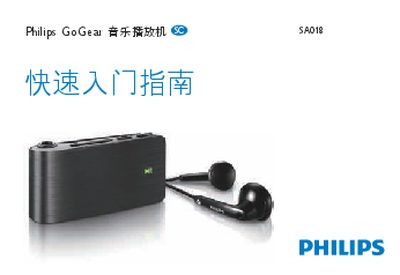
This guide helps you charge the SA018, connect headphones, play music, and use FM radio. It also explains how to register your product for updates and proper disposal of the device.
The guide includes instructions for basic operations such as selecting playback modes, adjusting volume, and navigating files. It also covers environmental disposal guidelines and directs users to the full user manual for more details. This manual is written in Chinese.
Charge the SA018 by connecting it to a computer via USB; it will appear as a mass storage device.
Press and hold the button for 4 seconds to turn on/off the SA018 and connect headphones.
Register your product at www.philips.com/welcome to receive notifications about free software updates.