
This document is the user manual for the K815PCM2DKX Ch digital camera EX-Z60, which describes the features and precautions of the camera.
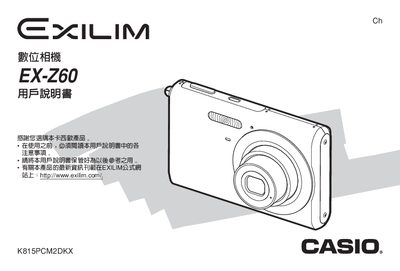
This manual covers everything you need to start using the Casio EX-Z60 digital camera, from unpacking and checking accessories to configuring language, battery charging, and basic shooting functions. Detailed sections explain focus modes, flash operation, white‑balance settings, and special shooting modes such as Best Shot and Business Shot.
Later chapters describe how to manage and delete images, use the built‑in playback functions, connect the camera to a computer via USB, format memory cards, and print photos. The final part lists the camera’s specifications, safety information, and warranty details.
| Dimensions (W×H×D) | 33 mm × 50 mm × 47 mm (excluding protrusions) |
|---|---|
| Weight (without battery and accessories) | ≈118 g |
| Battery type | Lithium‑ion rechargeable (NP‑20) |
| Battery capacity | 700 mAh |
| Battery voltage | 3.7 V |
| Power consumption | 4.5 W |
| Operating temperature | 0 °C to 40 °C |
| AC input voltage | 100 V to 240 V, 50/60 Hz |
Insert the battery into the supplied NP‑20 charger and connect the charger to an AC outlet; the manual shows the charging procedure in the Battery Charging section.
Select the Delete All Files option in the menu to remove every image stored on the internal memory or memory card.
The camera weighs approximately 118 g without the battery and accessories.