
This user manual describes how to use your camera. Please read this user manual before using the camera.
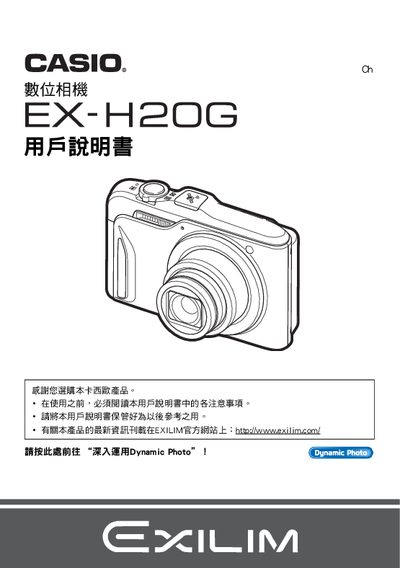
This manual covers everything you need to start using the EX‑H20G, from opening the package and charging the NP‑90 battery to basic shooting modes, ISO settings, and quick‑start procedures. It also explains how to format the memory card, use the self‑timer, and adjust image quality.
Advanced sections describe the Hybrid‑GPS function, Dynamic Photo creation, playback options, printing via PictBridge, and wireless transfer with Eye‑Fi. Additional chapters cover USB connectivity, power‑saving settings, language selection, and resetting the camera to factory defaults. This manual is written in Japanese.
| Battery type | NP‑90 rechargeable battery |
|---|---|
| Charger model | C‑90L |
| LCD pixel yield | 99.99 % or higher |
| Dynamic Photo image size | 640 × 480 pixels |
Charge the battery before the first use of the camera.
No, the Hybrid‑GPS function is not intended for navigation or measurement purposes.
Connect the camera to a PictBridge‑compatible printer and use the print function.