
This manual is for the Canon EX-S880 digital camera. It mainly introduces the camera's usage methods, including Quick Start Basics, Introduction, Preparation, Shooting Still Images, Shooting Animation, Using BEST SHOT, and Advanced Settings.
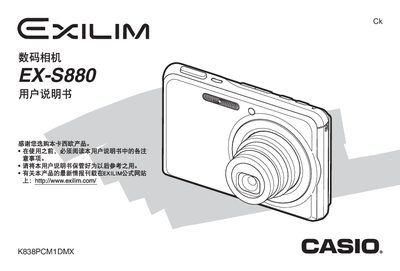
This manual begins with opening the package, checking the included items, inserting and charging the NP‑20 lithium‑ion battery, and configuring basic settings such as language, date, and time. It also explains how to insert and format storage cards, and how to connect the camera to a USB base or AC transformer for charging.
The guide then covers shooting still photos, animations, and advanced functions like face‑recognition, ISO and white‑balance adjustments, as well as editing features, document transfer to computers, and detailed specifications. A troubleshooting section and appendix provide quick reference tables for battery life, power consumption, and hardware dimensions. This manual is written in Chinese.
| Battery capacity | 700 mAh |
|---|---|
| Storage media | 1 GB SD card (SDHC/SD/MMC) |
| Image resolution | 3264 × 2448 pixels (8 MP) |
| Video format | H.264/AVC MOV |