
Haier LE Series LCD TV User Manual

Haier LCD TV instruction manual, introduces the installation, equipment connection, use methods, etc. of the TV
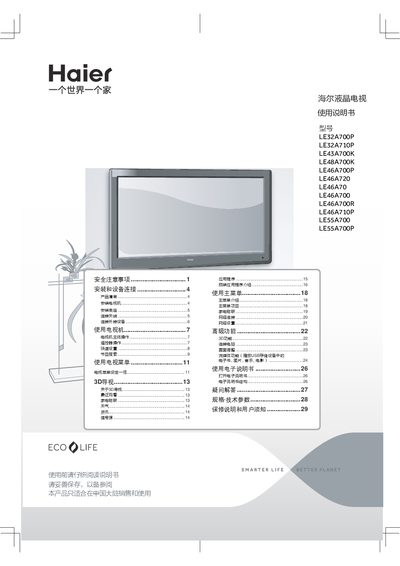

Haier LE Series LCD TV User Manual - cover page
Brand
Haier
Category
Television
Document type
User Manual
Language
Chinese
Pages
31
File format
PDF
File size
6 MB
Published
25 February, 2012
Updated
30 September, 2023
MD5 checksum
F7CBC569288B109DFD96BFE768036DDB

About this manual

This user manual covers the setup and operation of Haier LE Series LCD televisions. It includes safety precautions, installation instructions for the stand and wall mounting, and guidance on connecting external devices such as HDMI, USB, and network equipment. The document also details remote control usage and initial setup procedures. This manual is written in Chinese.

What's inside

  • Safety Precautions
  • Product List
  • Installation
  • Connecting External Devices
  • Remote Control Operation
  • Quick Setup
  • TV Menu Settings
  • 3D Guide
  • Network Connection
  • Specifications

Frequently asked questions

What is the model number of this Haier TV?

The model number is LE32A700P.

What is the product used for?

It is a colored LCD television for viewing programs and connecting external devices.

Download PDF (6 MB)

More Haier Manuals


View all Haier manuals →