
This document describes the environmental labeling of LCD/PDP color televisions and the names and contents of non-environmentally friendly substances or elements in the products. The appearance parts of the product are made of environmentally friendly materials, and the content of non-environmentally friendly substances is minimal, posing no harm to human health in long-term use.
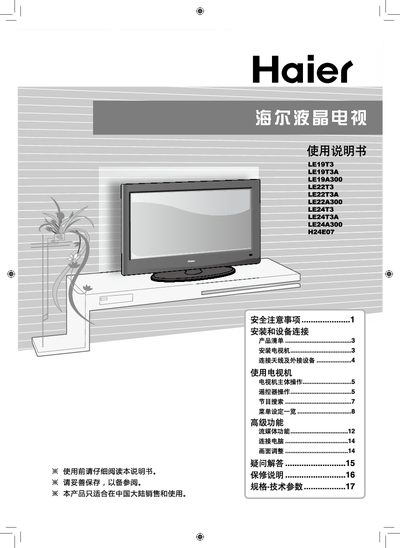
The manual explains safety precautions such as keeping children away from the TV, unplugging before cleaning, and avoiding static images for long periods. It also details the environmental information, listing non‑hazardous substances and compliance with Chinese electronic waste standards.
Operational sections cover common button functions, menu navigation, time setting, timer on/off, and channel scheduling. Users can adjust picture position, set the current time, and configure automatic power‑on/off and channel presets. This manual is written in Chinese.
| Display type | LCD/PDP |
|---|
Select the current time menu item, press the key to enter, then use the hour/minute keys to adjust the time.
Choose the timer function, select on or off, then set the hour and minute; the setting is cleared when power is disconnected.
Enter the timer menu, select the power‑on option, then choose the desired channel to be opened when the timer activates.