
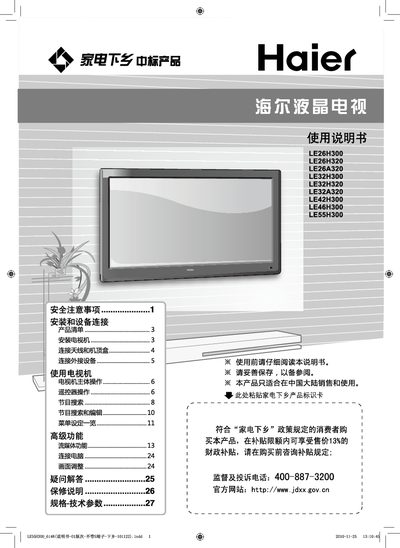
This manual provides safety precautions, installation steps, and connection guidelines for Haier LE series LCD televisions (models LE26H300, LE26H320, LE26A320, LE32H300, LE32H320, LE32A320, LE42H300, LE46H300, LE55H300). It also explains how to use the remote control, adjust settings, and maintain the TV safely.
The document includes detailed instructions for connecting antennas, set‑top boxes, HDMI, component, and audio/video cables, as well as guidance on proper mounting, ventilation, and cleaning. It outlines power‑saving features such as automatic standby after 15 minutes of no signal. This manual is written in Chinese.
| Screen size options | 26", 32", 42", 46", 55" |
|---|
No, you must not use any voltage or frequency other than 220 V 50 Hz.
Rinse the affected area with clean water for 15 minutes and consult a doctor.
The TV automatically switches to standby after 15 minutes of no signal input.