
Haier LE42A70, LE32A70, LE43A70, LE48A70 TV user manual, introduces the functions and use methods of TV, including installation, standby, connecting to computer, display size, refresh rate, warranty, etc.
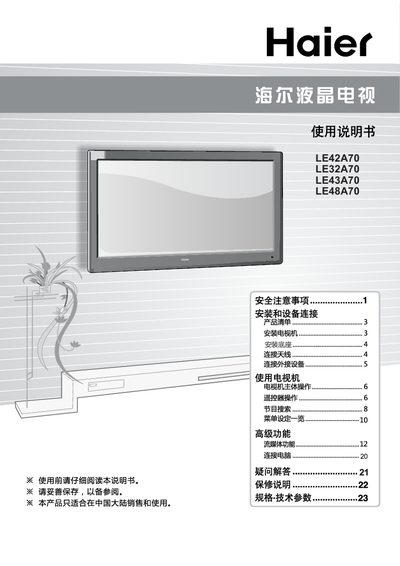
This user manual covers Haier LE Series televisions, including models LE32A70, LE42A70, LE43A70, and LE48A70. It describes stand installation, package contents, and basic TV operation.
It also explains how to connect a computer using D-SUB or HDMI, notes that the TV enters standby after 15 minutes without signal, and states that occasional casing noises are normal. The warranty covers the TV and remote for one year and major components for three years. This manual is written in Chinese.
| PC resolution | 1024×768 |
|---|---|
| PC refresh rate | 60Hz |
| Auto standby delay | 15 minutes without signal |
| Warranty period | 1 year including remote control |
| Main components warranty | 3 years |
It enters standby automatically after 15 minutes with no signal input.
Use a D-SUB video and audio cable, or connect through an HDMI cable.
The television and remote are covered for one year, while major components are covered for three years.