
Haier LCD TV User Manual. It introduces the safety precautions, installation, equipment connection, use, maintenance, FAQs and other contents of the TV
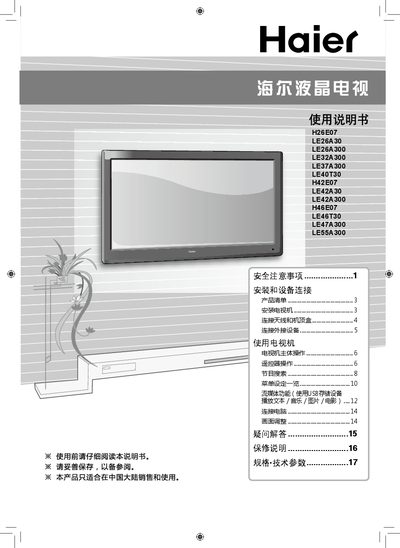
This manual provides safety precautions, installation steps, and connection guidelines for Haier LCD televisions. It covers how to mount the TV, connect antennas, set‑top boxes, external devices, and computers.
Operating instructions include remote‑control functions, program search, menu navigation, media playback from USB, picture adjustment, and troubleshooting. Warranty terms and detailed technical specifications are listed at the end. This manual is written in Chinese.
| Power consumption (standby) | 45 W |
|---|---|
| Input voltage | ~220 V 50 Hz |
| Video inputs | AV (CVBS), Component, HDMI, DVI, VGA, USB, DSMB |
Turn off the TV, unplug it from the power outlet, and contact an authorized service technician.
The remote uses two AA (七号) batteries.