
The document provides storage information for LE26T6, LE32T6, LE37T6, LE42T6, LE42A30, LE47T6 and LE55T6 products. The storage temperature is 25%~90%.
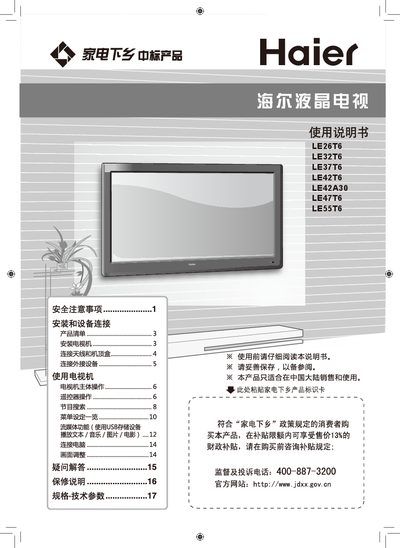
This manual begins with safety precautions and installation guidance for Haier LE series LCD televisions, covering proper placement, power handling, and required accessories. It also explains how to mount the TV on a wall or stand and how to connect antennas, set‑top boxes, and other external devices.
The second part describes remote‑control operation, channel selection, audio/video input options, and includes a technical data table with model numbers, power consumption, dimensions, weight, supported video formats, and environmental limits. This manual is written in Chinese.
| Model | LE26T6 |
|---|---|
| Dimensions (with base) | 654x195x487 mm |
| Power Supply | 220V 50Hz |
| Supported Color Systems | PAL, NTSC, SECAM |
| Audio Formats | DAK, L B/G, M |
| Video Inputs | AV (CVBS), Component, HDMI, DVI, VGA, USB, DSMB |
| Operating Temperature | +5°C ~ +35°C |
Connect devices using HDMI, Component (YPbPr), AV (CVBS), or other supported ports, then select the appropriate input source via the remote control.
The TV operates on a 220 V, 50 Hz power supply.