
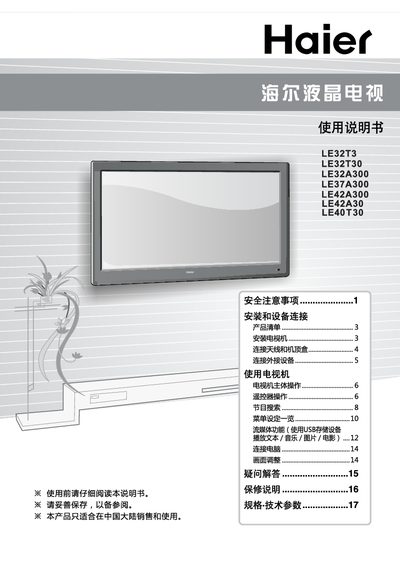
This user manual is for Haier LE series LCD televisions, including models LE32T3, LE32T30, LE32A300, LE37A300, LE42A300, LE42A30 and LE40T30. It explains safety precautions, installation, antenna and set-top box connections, external device connections and basic TV operation.
The manual also covers automatic standby, remote control battery replacement and USB media playback of text, music, pictures and movies. It is written in Chinese and states that the product is sold and used only in mainland China.
| Models covered | LE32T3, LE32T30, LE32A300, LE37A300, LE42A300, LE42A30, LE40T30 |
|---|---|
| Remote control model | HTR-D01 |
| Remote control operating distance | Up to 8 meters |
| Remote control batteries | Two No. 7 batteries |
| Automatic standby | After 15 minutes without signal input |
| USB media playback | Text, music, pictures and movies |
| DSMB interface | For Haier dedicated module box only |
| Optical audio output | Connects to an amplifier or other audio device with an optical input |
| AV2 signal sharing | AV2 video shares with Component Y; AV2 audio shares with Component audio |
The applicable remote control model is HTR-D01.
The remote control works at a distance of up to 8 meters.
It enters standby automatically after 15 minutes without signal input.
Text, music, pictures and movies can be played.