
This document introduces the installation, connection, and usage precautions of Haier LCD TVs, including product list, TV installation, antenna and set-top box connection, external device connection, TV operation, advanced functions, etc.
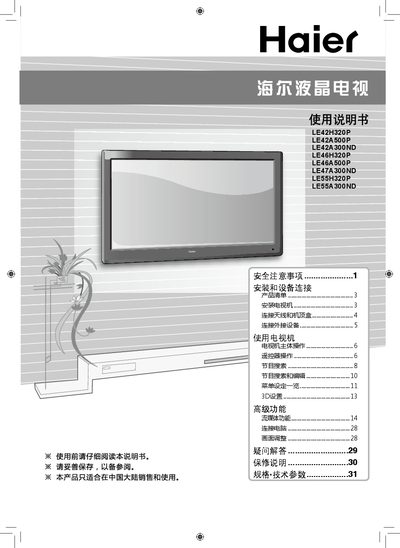
The manual begins with safety precautions, covering hazards such as electric shock, fire risk, and improper handling. It then details installation and device connection, including wall‑mounting advice, antenna and cable connections, and required accessories.
Subsequent sections explain TV operation, remote‑control functions, program search, menu settings, 3D and advanced features, media streaming, computer connection, picture adjustment, and a FAQ. The document ends with warranty information and a full list of specifications and technical parameters for all LE series models. This manual is written in Chinese.
| Power Supply | ~220 V 50 Hz |
|---|---|
| Video Inputs | CVBS, Component, HDMI/DVI, PC, USB, Smart Card |
| Audio Standards | D/K, I, B/G, M |
Open the battery compartment, insert two AA (七号) batteries with correct polarity, and close the cover. Do not mix new and old batteries.
No. The manual states the TV must be powered with 220 V 50 Hz only.