
This document is the user manual of Philips CD150/CD155 phone, which introduces the basic functions and usage methods of the phone, including making a call, receiving a call, saving contact information and so on.
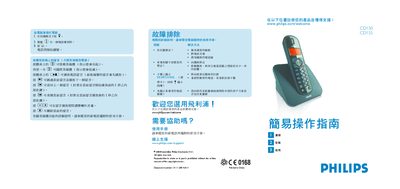
This manual explains how to install the Philips CD150/155 telephone, connect it to the phone line and power source, and configure basic settings such as volume and ringtone. It also describes how to make and receive calls, use the phonebook, and manage voicemail messages.
Additional sections provide troubleshooting tips, battery charging guidelines, and contact information for online support and warranty service. This manual is written in Chinese.
| Battery type | AAA rechargeable |
|---|---|
| Charging time | At least 24 hours |
Press the button on the handset base marked with a star (*) to answer the call.
Press the X button on the handset base to delete the current voicemail.
During a call, press VOLUME 1, VOLUME 2, or VOLUME 3 on the handset to set the desired volume level.