
Philips SPC 300NC User Manual, introduces the features and characteristics of the product, including installation, settings, and application software usage
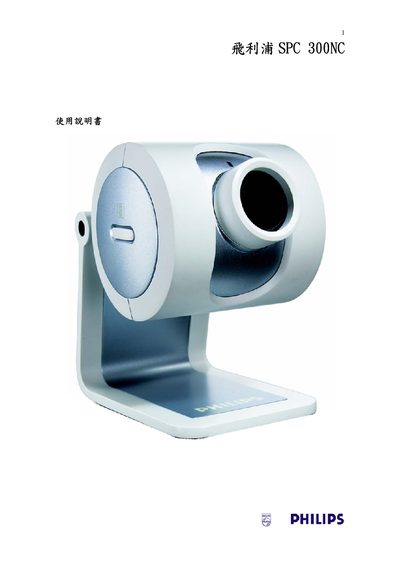
This manual covers the Philips SPC 300NC security camera, describing its features, hardware layout, and basic operation. It includes safety information, specifications, and contact details for support.
The document guides users through installing the camera driver with the provided InstallShield setup, accepting the software license, and configuring the camera on a Windows PC. Regional support phone numbers are listed for troubleshooting and service.
Run the InstallShield setup, select the components you want to install, click Next, accept the license agreement, and complete the installation.
Support phone numbers include 886 2 82263775 (Taiwan), 070 222 303 (Belgium), 0180 5356 767 (Germany), and others listed in the manual.