
This quick start guide introduces the basic functions of your Philips CD360/CD365 telephone.
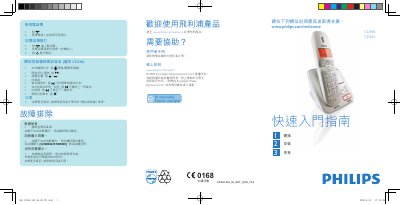
This guide provides step‑by‑step instructions for connecting the CD360‑365 handset and base, installing the power adapter, and registering the handset. It also shows how to make calls, adjust volume, set ringtones, and use the phonebook.
Additional sections cover basic message playback, deletion, and common troubleshooting such as handset registration, signal issues, and service activation. For more detailed information, refer to the full user manual linked on the Philips support website. This manual is written in Chinese.
| Battery charging time | 24 hours (first use) |
|---|---|
| Handset models | CD360 or CD365 |
Press the answer button (•) when the phone rings.
Press the delete button (•) while the message is playing.
Register the handset as instructed in the user manual.