
This document provides safety information, precautions, and instructions for using the ENGLISH GR-D248 LYT1444-001A EN digital video camera. It also highlights the features and functions of the camera, such as Wipe/Fader Effects, Program AE with Special Effects, LED Light, and Backlight Compensation.
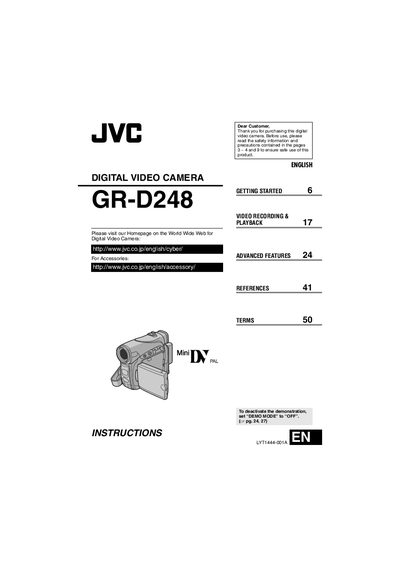
This manual begins with safety precautions, wiring information, and basic setup steps such as battery installation, power‑adapter connection, and strap attachment. It also explains how to avoid electrical hazards, protect the device from moisture, and handle the camcorder safely.
The guide then covers all operating functions, including advanced features like LED Light, back‑light compensation, spot exposure control, and special effects. Detailed menu navigation, connector descriptions, recording and playback procedures, and troubleshooting tips are provided to help users capture and review video efficiently.
| Battery type | JVC BN-VF707U/VF714U/VF733U |
|---|---|
| Power adapter | Multi‑voltage AC Adapter |
| TV compatibility | PAL‑type colour television signals only |
Set the “DEMO MODE” switch to OFF.
Press the DATA button to view the battery condition.
It uses JVC BN‑VF707U, VF714U, or VF733U battery packs.
No, it only works with PAL‑type colour television signals.