
Introduces how to use Siemens Basic Panel to create projects, configure screens, configure information, configure recipes, configure screen switching, and complete projects.
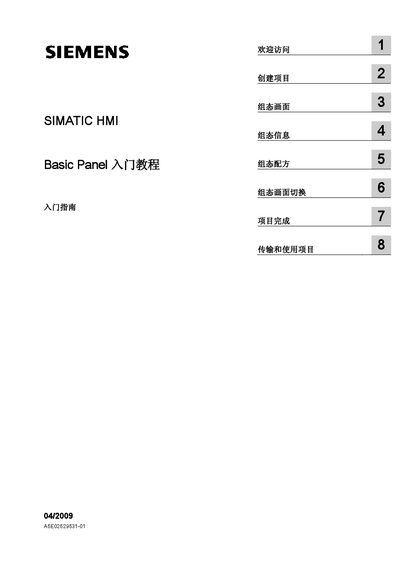
This manual introduces the SIMATIC HMI Basic Panel and explains how to set up a new project using WinCC flexible. It covers creating screens, configuring alarms, recipes, and screen navigation for a juice‑mixing example.
The guide also details the steps required to transfer the completed project to the HMI device, verify connection parameters, and use the project with a SIMATIC S7‑300/400 PLC. This manual is written in Chinese.
| Supported PLC | SIMATIC S7‑300/400 |
|---|---|
| HMI Device Model | KTP600 Basic |
Start WinCC flexible, open the project wizard and follow the steps to create a new project.
Use the Transfer function in WinCC flexible or the Project > Transfer > Transfer settings menu, then follow the on‑screen prompts to send the project to the HMI.