
This document is the user manual for Philips 190sw9 LCD monitor, which introduces the safety use methods and troubleshooting methods for the monitor
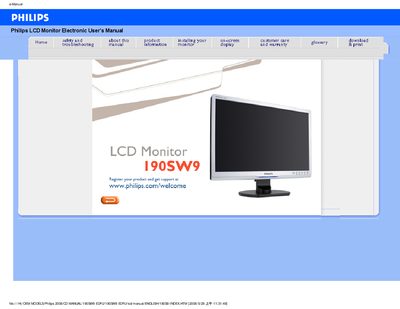
This manual covers safety precautions, proper handling, and maintenance for the Philips 190SW9 EDFU LCD monitor. It explains how to install the monitor, adjust screen settings, and connect peripherals while highlighting important warnings to avoid electrical or mechanical hazards.
Additional sections describe common FAQs, troubleshooting steps, regulatory compliance, and detailed technical specifications such as power requirements, environmental limits, and pin assignments. The document also includes information on optional features like VESA wall‑mounting and Philips SmartImage technology.
| Tilt | -5° to +20° |
|---|---|
| Power Supply | 100‑240 VAC, 50/60 Hz |
| Power Consumption | 36 W (typ.) |
| Operating Temperature | 0 °C to 40 °C |
| Storage Temperature | -20 °C to 60 °C |
| Relative Humidity | 20 % to 80 % |
| MTBF | 50 000 hours (CCFL 40 000 hours) |
| Resolution | 1440 × 900 |
| Contrast | 50 % |
| Brightness | max. |
Set the monitor to the recommended video mode of 1440 × 900 @ 60 Hz for the 19‑inch Philips display.
Make sure the AC power cord is connected between the monitor and the AC outlet.
Yes, the monitor has standard VESA mount holes for wall‑mounting with compatible brackets.