
This document provides the electronic user manual for Philips LCD monitors, including safety precautions and troubleshooting information.
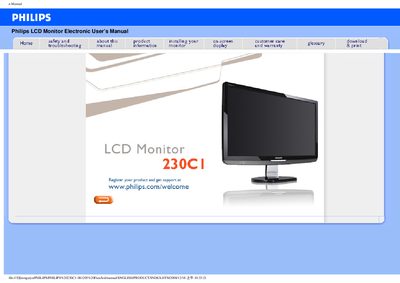
This manual covers safety precautions, proper handling, and maintenance for the Philips 230CI LCD monitor. It explains how to avoid electrical hazards, protect the LCD panel, and keep the device clean, including recommended temperature (0‑40 °C) and humidity (20‑80 % RH) ranges.
Installation steps, driver installation, screen adjustments, and common troubleshooting are detailed in the FAQ sections. The guide also provides information on compatible peripherals, driver files, and how to download or print the manual.
| Native resolution | 1920x1080 @60Hz |
|---|---|
| Operating temperature | 0‑40 °C (32‑95 °F) |
| Operating humidity | 20‑80 % RH |
Set the monitor to 1920x1080 @60Hz, which is the recommended video mode for the Philips 23" model.
Use a clean, soft cloth for normal cleaning; for extensive cleaning you may use isopropyl alcohol.
The monitor can operate between 0‑40 °C (32‑95 °F) and 20‑80 % relative humidity.
Ensure the AC power cord is connected to the monitor and outlet, then press a key on the keyboard or move the mouse to wake the PC.