
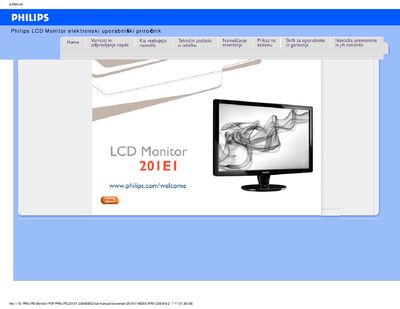
This manual covers safe handling, installation, and maintenance of the Philips 201E1 LCD monitor. It explains how to connect power and video cables, adjust settings via the on‑screen display, and keep the screen clean.
The document also includes a detailed FAQ, troubleshooting procedures for common image problems, compatibility information for PCs and Macs, and warranty/service contacts. VESA mounting options and environmental specifications are provided for professional installations.
| Operating temperature | 0‑40 °C (32‑95 °F) |
|---|---|
| Operating humidity | 20‑80 % RH |
| Recommended resolution | 1600 × 900 @ 60 Hz |
| Recommended refresh rate | 60 Hz (up to 75 Hz for issues) |
| Mounting | Standard VESA mounting holes |