
This document describes the features, installation, operation and other related information of Philips LCD monitor.
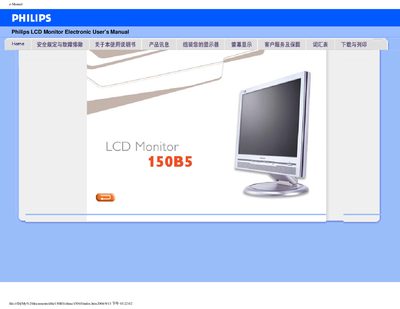
This electronic user manual provides safety guidelines, installation instructions, and operating procedures for the Philips 150B5 LCD monitor. It includes warnings about temperature, humidity, vibration, and proper cleaning, as well as troubleshooting tips for common issues.
The document also details the monitor’s technical specifications, pixel defect policy, warranty information, and how to configure features such as the built‑in speakers, VESA mounting, and sRGB color mode. This manual is written in Chinese.
| Display size | 15 inches (diagonal) |
|---|---|
| Resolution | 1024 × 768 (XGA) |
| Contrast ratio | 400:1 (typical) |
| Brightness | 250 cd/m² (typical) |
| Response time | < 16 ms (typical) |
| Power consumption | 18 W (typical) |
| Dimensions (W × H × D) | 342 × 322 × 210 mm |
| Weight | 3.9 kg |
| Tilt range | -5° to 25° |
| Height adjustment | 70 mm |
| VESA mount | Supported |
| Built‑in speakers | 3 W stereo (1.5 W per channel) |
The monitor can operate between 5 °C and 40 °C (41 °F‑104 °F).
For the 150B5, up to 4 bright‑pixel defects or 4 dark‑pixel defects are permitted; any more requires service under warranty.