
EIZO EcoView NET is a power management tool that helps save energy, reduce carbon emissions, protect assets, and achieve faster return on investment. It can connect multiple EIZO monitors and provides centralized control and management.
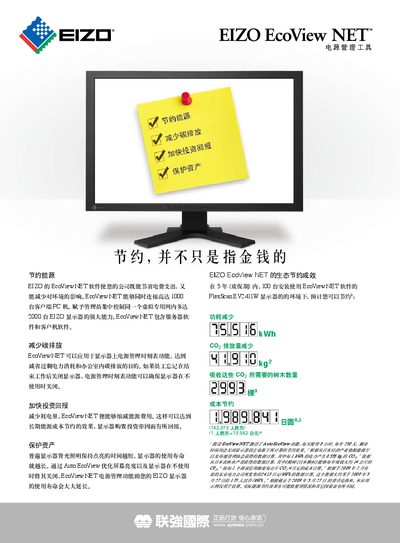
EcoView NET is a power‑management solution for EIZO FlexScan displays. It consists of server software that gives administrators control over all connected monitors and client software that lets users set personal power‑off and brightness schedules.
The system can manage up to 1,000 client PCs and 2,000 EIZO monitors, supports Windows XP, Vista, Server 2003 and Server 2008, and works with a range of FlexScan models. Features include automatic screen dimming, scheduled shutdown, and DDC/CI communication without using USB ports. This manual is written in Chinese.
| Supported Operating Systems | Windows Vista (32‑bit), Windows XP (32‑bit), Windows Server 2003, Windows Server 2008 |
|---|---|
| Supported Monitor Models | FlexScan EV2411W, EV2303W, EV2023W, S2402W, S2202W, S2242W, S2232W |
| Maximum Client PCs | 1,000 |
| Maximum Managed Displays | 2,000 |
EcoView NET can connect up to 1,000 client PCs simultaneously.
The software runs on Windows XP, Windows Vista, Windows Server 2003 and Windows Server 2008 (all 32‑bit).
Supported models include EV2411W, EV2303W, EV2023W, S2402W, S2202W, S2242W and S2232W.