
This document introduces the solutions and advantages of the KX-Driver driver program, as well as the features of KM-NET VIEWER. KX-Driver is a driver program developed by Kyocera's technical department, which has the advantages of consistent user interface, reduced administrator burden, and compatibility with all PDLs in one installation. KM-NET VIEWER is a software that monitors all devices in the network in real-time, supports multiple protocols, and allows remote settings and device monitoring. The document also mentions the use of hard disk functions and methods of job storage.
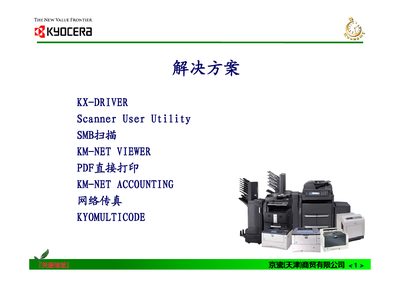
The KX-Driver is a Kyocera‑developed driver program that consolidates multiple printer drivers into a single design, handling hardware settings and various print languages. It provides a unified interface for users to manage printing tasks across different Kyocera models.
The manual describes screen functions, print quality settings, image and output options, as well as hard‑disk features such as temporary and permanent storage of print jobs, barcode printing, and job management. This manual is written in Chinese.
| Page size | 210 × 297 mm |
|---|---|
| Supported printers | TASKalfa 181, 221, 620, 820, 250ci, 300ci, 400ci |
The KX-Driver consolidates multiple printer drivers into a single program, handling hardware settings and various print languages for Kyocera printers.
Temporary storage speeds up repeated printing by keeping jobs in the printer’s memory, allowing quick re‑printing even after power loss.
Yes, permanent storage saves jobs with an attached job name and user name, and supports barcode printing for identification.