
This manual provides instructions for use of the Acer Aspire 7520 laptop
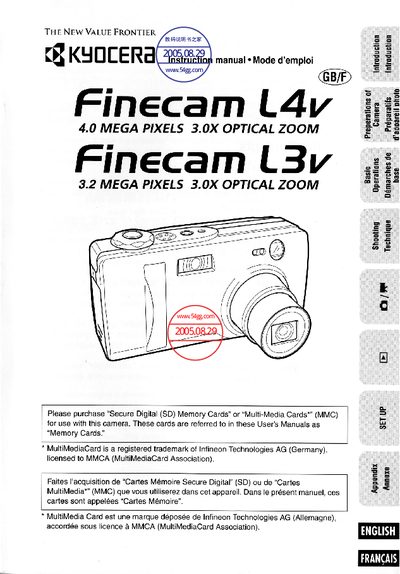
This manual covers everything needed to get started with the Kyocera Finecam L4v/L3v digital camera, including safety precautions, basic operations, shooting techniques, and menu setup. Detailed sections explain how to load memory cards, adjust flash and exposure settings, record movies, and connect the camera to a PC.
An appendix offers a troubleshooting guide, a full list of menu icons, and technical specifications such as flash performance, LCD monitor details, dimensions, weight, and battery options.
| Flash recycling time | about 8 seconds |
|---|---|
| Flash range | 64.5 cm to 2.5 m (wide‑angle) |
| Weight | about 170 g |
| Ambient operating temperature | 0 °C to 45 °C |
| Battery type | Lithium CR‑V3 (also AA NiMH, AA alkaline, AC adapter) |
The camera works with Secure Digital (SD) memory cards or Multi‑Media Cards (MMC).
No, the camera is not designed to be waterproof and should not be used in rain or underwater.
It uses a lithium CR‑V3 battery pack, but can also run on two AA NiMH rechargeable batteries, two AA alkaline cells, or an optional AC adapter.
Approximately 2304 × 1728 images (50 % flash) for the L4v and 2048 × 1536 images for the L3v, assuming new batteries and room temperature.