
This document is an operation manual that introduces the KM-1620 copier, including the names of various components, operating procedures, preparation work, basic copying operations, copying functions, copier management mode, optional accessories, troubleshooting, maintenance and operating procedures. The copier features a duplex sheet feeder, paper tray, duplex unit, and key counter.
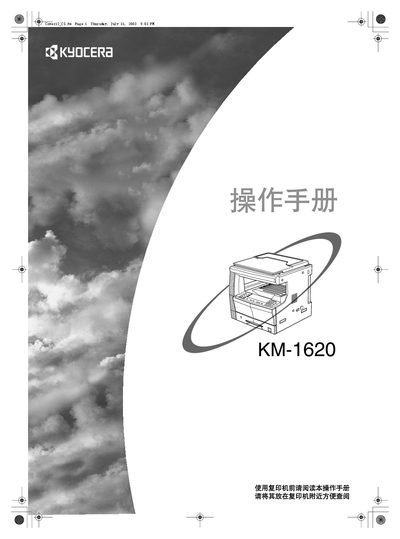
This manual explains how to safely install, operate, and maintain the Kyocera KM-1620 copier. It covers basic copying, advanced functions such as duplex and scaling, and provides detailed safety symbols and warnings.
Energy‑saving features are described, including automatic switch‑to‑energy‑saving mode after 15 minutes of inactivity and automatic shutdown after 30 minutes. Optional accessories like the DP‑410 duplex feeder and PF‑410 paper tray are also listed. This manual is written in Chinese.
| Energy‑saving mode activation | 15 minutes after last use |
|---|---|
| Auto‑shutdown activation | 30 minutes after last use |
| Duplex copying | Supported |
| Optional accessory – duplex feeder | DP‑410 |
It automatically switches to energy‑saving mode after 15 minutes of inactivity.
Select the duplex copying function as described in the “Duplex copying” section.